Creating an AI girlfriend is easier than it sounds. You do not necessarily need coding skills or technical knowledge. Many AI companion and character platforms let you create a custom character by defining her personality, interests, communication style, appearance, and other preferences.
The important part is not adding as many settings as possible. A good AI girlfriend starts with a clear character idea and consistent instructions.
You can begin with a simple personality, test a few conversations, and then adjust the character until her responses feel natural and consistent.
Table of Contents
What Do You Need to Create an AI Girlfriend?
The exact requirements depend on the platform, but most custom AI girlfriend tools need only a few basic things.
You will generally need:
- An AI companion or character creation platform
- A character concept
- A name and fictional identity
- Personality traits
- Interests and hobbies
- A communication style
- Optional appearance settings
- Optional memory and voice features
Some platforms provide no code character builders, so you can create the companion without writing software yourself.
How to Create an AI Girlfriend (Easy Guide)
The basic creation process looks like this:
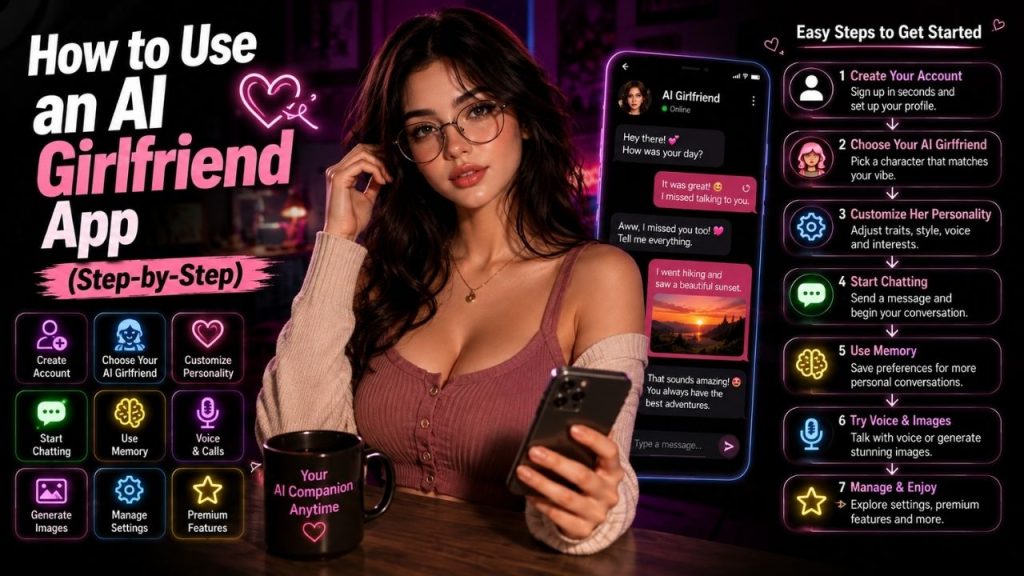
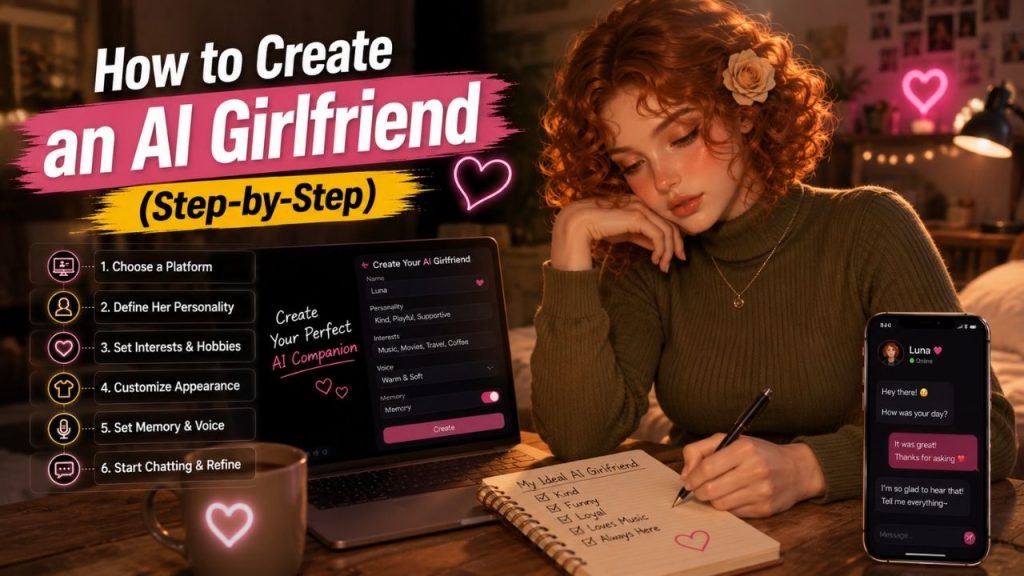
Choose a platform → Define the character → Choose a name → Build the personality → Add interests → Set conversation style → Create appearance → Add memory → Choose a voice → Write character instructions → Start chatting → Test and refine
You do not have to complete every step at once. Start with the character itself, then add optional features.
Step 1: Choose a Platform to Create Your AI Girlfriend
First, decide where you want to create the character.
Different platforms offer different levels of customization. Some are designed specifically for AI companions, while others focus on creating custom AI characters or chatbots.
Before choosing one, check whether it supports the features you want.
Look for:
- Character customization
- Personality settings
- Memory
- Voice
- Image generation
- Free or paid creation
- Privacy controls
- Character sharing options
If you only want a text based companion, you do not need to choose a platform just because it offers advanced image or voice features.
Step 2: Define Your AI Girlfriend’s Character
Before filling out settings, decide who your AI girlfriend is supposed to be.
Think of her as a fictional character rather than a collection of random traits. Give her a simple identity that can remain consistent during conversations.
Start with:
- Name
- Personality
- Interests
- Hobbies
- General background
- Communication style
- Character traits
You do not need to write a long biography. A few clear details are usually easier for an AI system to follow.
Step 3: Choose Her Name and Identity
Give your character a name and basic identity.
The name itself does not change the AI’s intelligence, but it gives the character a clear identity that can be used consistently in conversations.
What Should You Define?
You can set:
- Name
- Personality type
- Interests
- Hobbies
- General background
- Preferred communication style
For example, you might create a fictional character who is friendly, curious, enjoys movies and music, and prefers relaxed conversations.
That simple description is enough to create a starting point. You can add more details after testing the character.
Step 4: Build Her Personality
Personality is one of the most important parts of creating an AI girlfriend.
Instead of adding every positive trait you can think of, choose a few characteristics that work well together.
Personality Traits You Can Add
Some common options include:
- Friendly
- Playful
- Calm
- Confident
- Curious
- Supportive
- Humorous
- Introverted
- Outgoing
For example, calm, curious, humorous, and friendly can work together naturally.
On the other hand, giving the same character conflicting instructions, such as being extremely quiet but always talking at length, can make responses feel inconsistent.
Step 5: Define Her Interests and Hobbies
Interests give your AI girlfriend something specific to talk about.
Instead of simply saying that she “likes everything,” choose a few subjects that can naturally appear in conversations.
You could give her interests such as:
- Movies
- Music
- Books
- Gaming
- Travel
- Cooking
- Sports
- Technology
- Art
Specific interests also make it easier to start a conversation.
For example, an AI girlfriend who likes photography, travel, and coffee gives you several natural topics to discuss without forcing the conversation.
Step 6: Set the Conversation Style
Now decide how you want the character to communicate.
This setting can make a surprisingly large difference. Two characters with the same interests can feel completely different if one speaks formally and the other uses a relaxed conversational style.
What Can You Define?
| Setting | Example |
| Tone | Casual, warm, playful |
| Reply length | Short or detailed |
| Humor | Light or frequent |
| Communication | Direct or conversational |
| Topics | Specific interests |
| Personality | Calm, energetic, curious |
Keep the communication style consistent with the personality.
A calm character might use relaxed, thoughtful replies, while an energetic character may be more expressive and enthusiastic.
Step 7: Create Her Appearance
If your platform supports avatars or AI generated images, you can create a visual identity for the character.
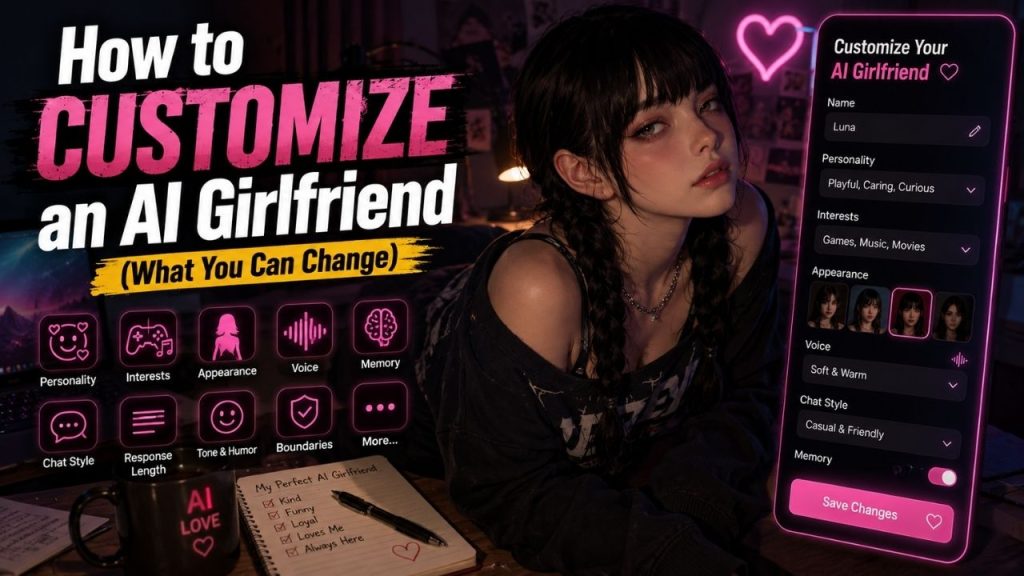
The available controls vary, but you may be able to adjust things such as:
- Hair
- Hairstyle
- Clothing style
- General appearance
- Avatar style
- Background
- Visual theme
Do not worry about making the appearance perfect on the first attempt.
If the platform supports image generation, you can usually refine the visual identity later.
Step 8: Add Memory and Preferences
Memory can make a custom AI girlfriend feel more consistent over time.
Depending on the platform, you may be able to save information such as favorite hobbies, conversation preferences, or details about the fictional character.
What Should the AI Remember?
Useful examples include:
- Favorite hobbies
- Preferred conversation style
- Favorite topics
- Character details
- Recurring preferences
Keep sensitive personal information out of memory unless there is a clear reason to provide it.
Also check how the platform lets you view, edit, or delete saved memories. Memory systems vary, and not every service handles them in the same way.
Step 9: Choose a Voice, If Available
Some platforms let you give the AI girlfriend a voice.
Choose one that matches the character rather than selecting a voice randomly.
Consider:
- Voice type
- Speaking style
- Speed
- Tone
- Available languages
A calm personality may work better with a relaxed voice, while a playful character may suit a more energetic speaking style.
Not every platform supports custom voices, so treat this as an optional feature.
Step 10: Write the Character Instructions
Character instructions tell the AI how you want the character to behave during conversations.
This is where you bring the personality, interests, and communication style together.
Include details such as:
- Personality
- Speaking style
- Interests
- Character background
- Conversation preferences
- General behavior
Example Character Instructions
A simple instruction could look like this:
You are a friendly and curious fictional character who enjoys movies, photography, and travel. Keep conversations relaxed and natural. Ask occasional follow-up questions and use a warm, conversational tone.
That is enough to establish a clear starting personality.
You do not need to write pages of instructions. Clear and consistent directions are generally easier to maintain than a huge list of rules that contradict each other.
Step 11: Start the First Conversation
Once the character is ready, start chatting.
Do not worry about creating the perfect opening message. The first conversation is partly about testing whether the character behaves the way you intended.
Try questions such as:
- “Tell me something about yourself.”
- “What kind of movies do you enjoy?”
- “What would you do on a free weekend?”
- “What should we talk about today?”
Pay attention to whether the responses match the personality you created.
Step 12: Test the AI Girlfriend
The first version may not behave exactly as you imagined.
That is normal. Character creation is usually an iterative process.
What Should You Test?
Check:
- Personality consistency
- Conversation quality
- Memory
- Interests
- Tone
- Response length
- Voice, if enabled
- Image consistency, if available
Try different types of conversations instead of judging the character from one message.
For example, discuss one of her interests, change the topic, ask a personal-style fictional question, and then return to the original topic.
This gives you a better idea of whether the character remains consistent.
Step 13: Refine the Character
Once you see how the AI behaves, make adjustments.
For example:
- Too formal: Make the communication style more casual.
- Too repetitive: Add more specific interests.
- Too talkative: Request shorter replies.
- Personality feels inconsistent: Remove conflicting traits.
- Conversations feel generic: Add clearer character details.
Small changes can have a noticeable effect.
You do not need to rebuild the character every time something goes wrong. Adjust one or two settings, test again, and keep what works.
Ready Made vs Custom AI Girlfriend
Creating a character yourself gives you more control, but it takes a little more time.
| Ready Made Character | Custom AI Girlfriend |
| Faster to start | Takes more setup |
| Predefined personality | Personality is customizable |
| Limited control | More control |
| Easy for beginners | Better for personalization |
| Usually ready immediately | Requires testing and refinement |
A ready made character is useful when you simply want to start chatting.
A custom character makes more sense when personality, communication style, interests, and appearance matter to you.
Free vs Paid AI Girlfriend Creation
Some platforms let you create characters for free, while others reserve advanced customization for paid plans.
Before paying, check what you actually receive.
| Feature | What to Check |
| Character creation | Free or premium |
| Memory | Available or restricted |
| Voice | Included or paid |
| Images | Included or credit-based |
| Customization | Basic or advanced |
| Character storage | Free or premium |
Do not assume that a paid plan automatically creates a better AI girlfriend. The value depends on the features you actually intend to use.
Common Mistakes When Creating an AI Girlfriend
A few mistakes can make the character feel less natural.
- Adding too many conflicting personality traits
- Making character instructions unnecessarily long
- Giving vague interests
- Expecting perfect memory
- Skipping the testing stage
- Trying to customize everything at once
- Sharing sensitive personal information
- Paying before testing the platform
The best approach is to start simple and improve the character based on actual conversations.
How to Make an AI Girlfriend Feel More Natural?
A natural conversation usually comes from consistency, not from adding hundreds of settings.
Give the character a clear personality, a few specific interests, and a communication style that fits.
It also helps to interact naturally. Ask follow-up questions, discuss specific topics, and tell the AI when it misunderstands something.
Memory can improve continuity when available, but you should still expect occasional mistakes or inconsistent responses.
Conclusion
Creating an AI girlfriend usually follows a straightforward process:
Choose a platform → Define the character → Set her identity → Build the personality → Add interests → Set the conversation style → Create her appearance → Add memory → Choose a voice → Write character instructions → Start chatting → Test → Refine
You do not need to make the character complicated from the beginning.
Start with a clear personality, a few interests, and a natural communication style. Test the character through real conversations and adjust the settings when something does not feel right.
That approach usually produces a more consistent AI girlfriend than trying to configure every available feature before you have even started chatting.
FAQs
Can I create my own AI girlfriend for free?
Yes, some AI companion and character platforms offer free character creation, although advanced features may require payment.
Free access can vary, so check whether the features you want are included before creating the character.
Do I need coding skills to create an AI girlfriend?
No. Many AI companion and character creation platforms provide no code tools where you can define the character using settings and instructions.
Coding becomes relevant only if you want to build a more customized AI system yourself rather than using an existing platform.
Can I customize an AI girlfriend’s personality?
Yes. Depending on the platform, you may be able to customize:
• Personality traits
• Interests
• Communication style
• Character background
• Behavior
• Preferences
The amount of control varies between platforms.
Can I give my AI girlfriend a custom voice?
Some platforms support voice customization or let you choose from available voices. The exact options depend on the service, and advanced voice features may require a paid plan.
Can an AI girlfriend remember her personality and preferences?
Some platforms provide memory features that can retain selected details between conversations. However, memory is not perfect, and its capabilities vary by service.